Apple Business Connect Insights
How can businesses really leverage their presence on Apple Maps? It all comes down to optimizing for the following KPIs: views, direction requests, ...



Apple Business Connect has emerged as a pivotal tool for businesses to enhance their online presence. And while we've already covered its importance in this blog article, we'll now delve into the key features, benefits, step-by-step setup
In this comprehensive guide, you'll find Apple Business Connect best practices for businesses to leverage this powerful platform effectively.
Understanding Apple Business Connect
Welcome to the world of Apple Business Connect, a powerful communication tool designed specifically for businesses using Apple devices. The advanced platform combines the convenience of Apple devices.
What is Apple Business Connect?
Apple Business Connect is a revolutionary communication tool that caters to the unique needs of businesses using Apple devices. Specifically, it enables them to interact with customers in a more personalized and efficient manner. By leveraging the power of Apple’s ecosystem, Apple Business Connect ensures a secure and seamless communication experience. An Apple ID is essential for managing content and user roles within Apple Business Connect, streamlining app license management and access to various Apple services.
What is Apple Business Connect?
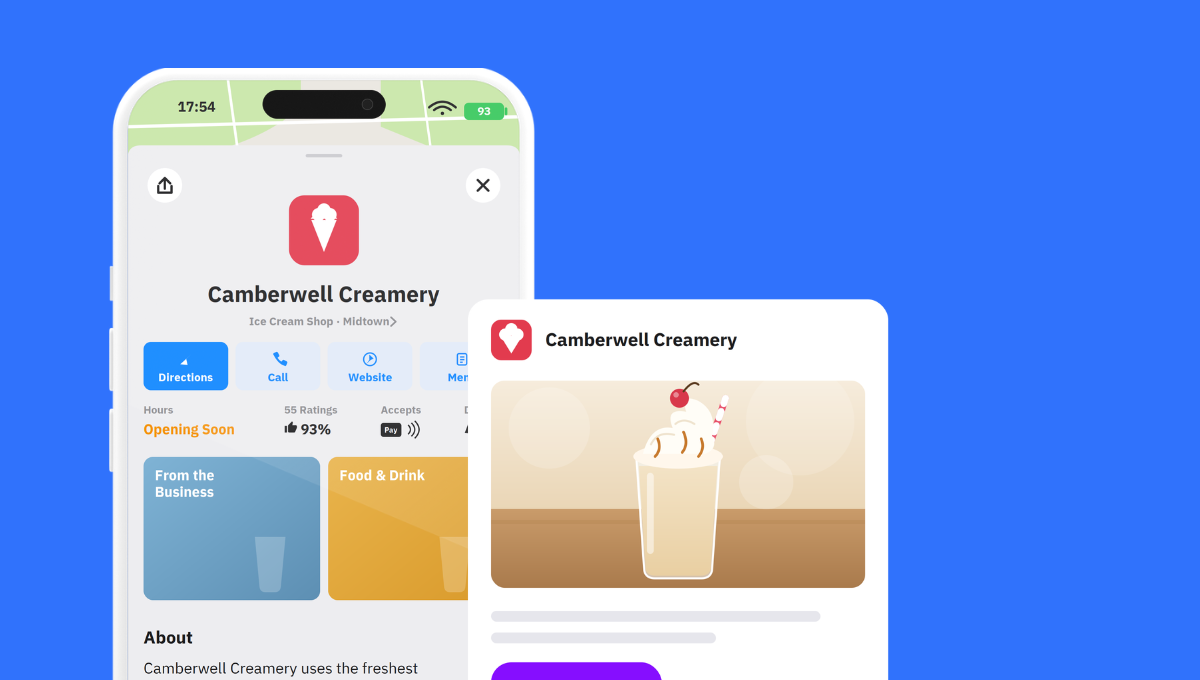
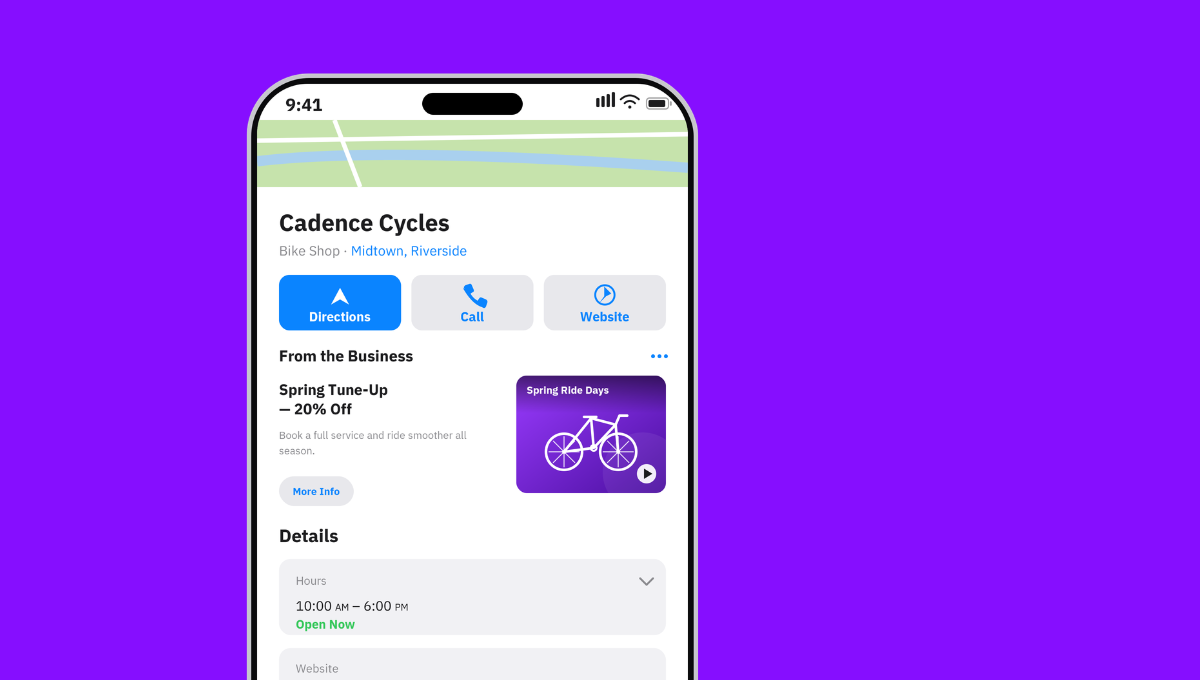
Apple Business Connect is a free tool introduced by Apple to help small businesses reach customers in their local area using Apple Maps and Apple products. It allows businesses to customize and create a place card to represent their business online, including features such as directions, photos, contact information, and special promotions. With Apple Business Connect, small businesses can improve their local visibility, advertise their products and services, and engage with customers in a more effective way.
Apple Business Connect Key Features
Apple Business Connect comes packed with a wide range of features to enhance your business operations. Let’s explore some of its key functionalities:
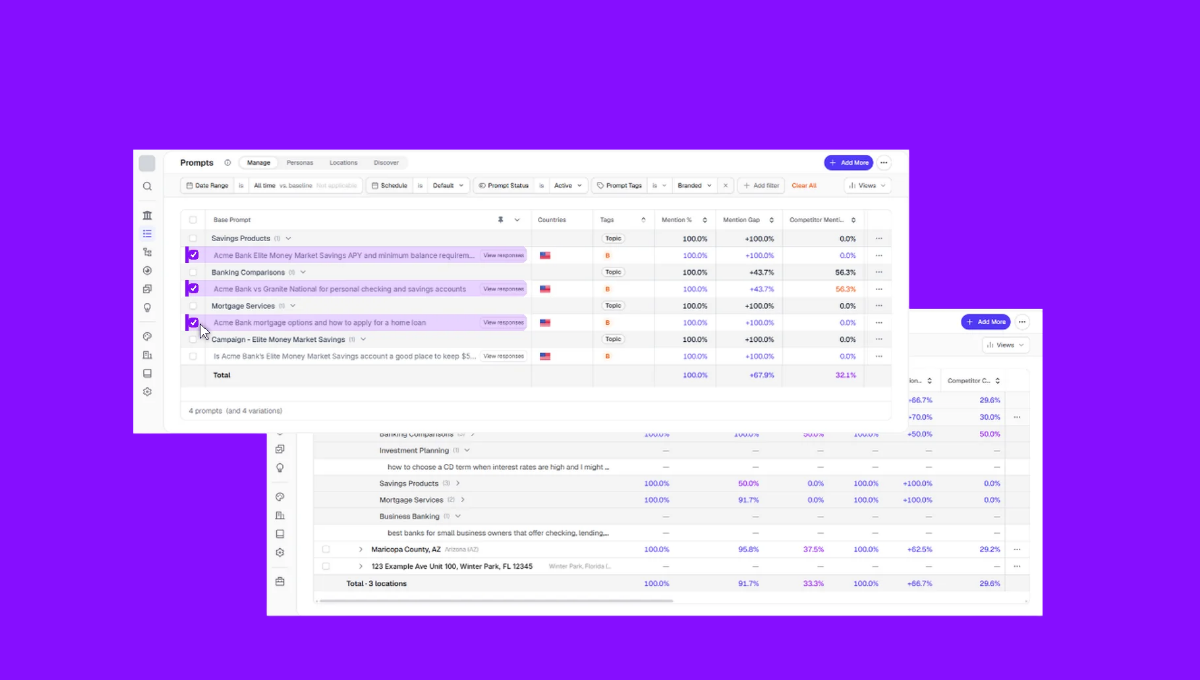
Unified Management for Seamless Control
At the core of Apple Business Connect is its ability to offer a centralized hub for managing information across multiple locations—under highest security standards to protect sensitive information. For multi-location businesses, this feature streamlines the online presence effortlessly, ensuring consistency and accuracy across the digital landscape. Additionally, app licenses obtained through Apple Business Manager allow organizations to buy apps in bulk and manage app distribution.
Real-time Updates and Notifications
With Apple Business Connect, businesses can make instant updates to crucial information such as business hours, addresses, and contact details as well as:
- Attributes to highlight essential details like payment methods
- Photos to offer potential customers authentic views of a business
- Action buttons to allow users interact directly from the listing
- Showcases to highlight offers and promotions on their Place Cards
- Status to inform about current opening hours
- Customer ratings to build trust and credibility
Real-time notifications ensure that customers always access the most accurate data, contributing to a seamless user experience. This helps you streamline your business processes, and free resources for more important—maybe creative—matters.
Streamlined Communication and Coordination
By utilizing Apple’s secure infrastructure, businesses can securely exchange messages, share files, and collaborate in real-time. The platform’s unified project management, customizable user permissions, and access to historical data empower teams to make informed decisions. By doing so, it leads to boosted productivity, faster decision-making, increased employee satisfaction, and a culture of innovation. Apple Business Manager also functions as a centralized portal to manage devices effectively.
Apple Business Account Benefits
Whether it's an internal discussion or customer interaction, ABC ensures smooth and efficient communication. So businesses unlock a myriad of advantages that extend far beyond streamlined online presence management.
Enhanced business efficiency
Leveraging Apple Business Connect provides a significant boost to business efficiency with secure messaging, real-time collaboration, and automated workflows. The platform ensures the safeguarding of sensitive information, facilitates seamless teamwork, and automates repetitive tasks, ultimately enhancing productivity and expediting decision-making processes. Apple Business Manager offers invaluable functionality for any IT department, making it easier to manage Apple devices within the organization.
Enhanced Online Visibility
By harnessing the power of accurate business information, Apple Business Connect makes it easier for customers to find and engage with your brand across various online platforms. This not only boosts discoverability but also fosters a positive customer experience. And the good news is: you can integrate Apple Business Connect seamlessly with existing business systems to leverage your current infrastructure. Automated device enrollment streamlines the process of managing and deploying devices within organizations, allowing for seamless onboarding into Mobile Device Management (MDM) systems without manual configuration by IT.
Boosted Brand Credibility
Consistency and accuracy in business information are paramount for building trust—and Apple Business Connect ensures that customers encounter reliable data. Moreover, a trustworthy online presence contributes to positive customer experiences and fosters brand loyalty.
Effortless Reputation Management
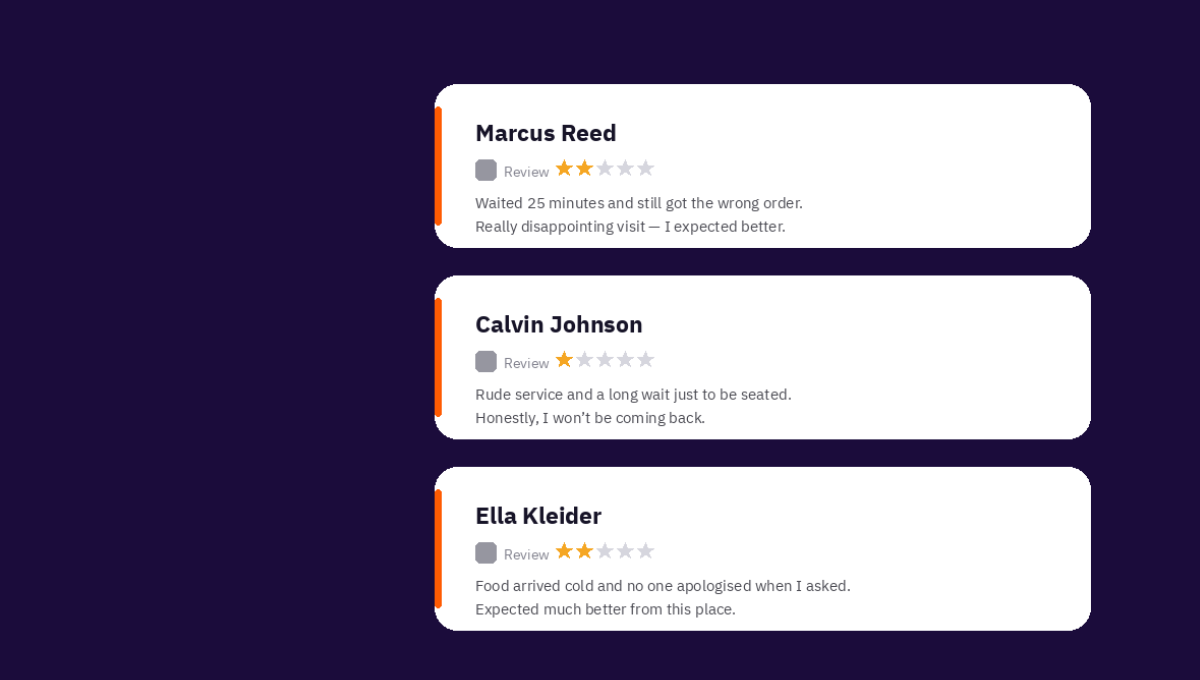
Maintaining a positive online reputation is essential in today’s digital age. Apple Business Connect streamlines reputation management by allowing businesses to monitor and respond to customer reviews across various platforms. This feature showcases a commitment to customer satisfaction and engagement.
Setting Up Apple Business Connect
Whether you're a small startup or a large enterprise: Apple Business Connect is the ultimate communication tool to take your business to new heights. But to take full advantage, it's crucial to set it up correctly.
How To Integrate Apple Business Connect
Here’s a step-by-step guide to get started with Apple Business Connect:
1. Create an Apple Business Connect Account
Your Apple Business Connect journey begins with creating an account on Apple Business Connect. Businesses need to provide accurate information about their operations, ensuring consistency with other online platforms.
2. Verify and Claim Your Business
Completing the verification process is critical for claiming ownership of your business on Apple Business Connect. This step enhances the credibility of the information provided, reassuring both customers and search engines. Also remember to configure user roles and permissions, ensuring smooth collaboration and efficient workflow.
3. Optimize Your Business Profile = Place Card
Once you have your Apple Business Manager account set up, it's time to add your business information and Apple devices. Optimize your Apple Place Card by adding high-quality images, relevant categories, and a compelling business description.
4. Utilize Additional Features
Explore and leverage additional features, such as the ability to showcase products, services, and special offers. These elements provide potential customers with a more comprehensive view of what your business has to offer.
5. Train Your Team on Apple Business Connect
Ensure that everyone is familiar with the platform's capabilities. That way, you ensure they leverage them effectively and exploit all the above benefits such as business efficiency and online visibility.
Best Practices for Using Apple Business Connect
Apple Business Connect opens the door to a realm of streamlined management and enhanced collaboration. To make the most of Apple Business Connect, consider implementing the following best practices:
- Regularly update information: Consistency is key in the digital realm, so regularly update your business information to maintain accuracy.
- Engage with customer reviews: Engaging with feedback demonstrates your commitment to customer satisfaction, and fosters your online reputation.
- Utilize analytics for insights: Understanding customer behavior can inform decisions that enhance user experience and drive business growth.
- Integrate with other platforms: This interconnected approach ensures a consistent online presence, maximizing your reach and potential customer engagement.
- Leverage collaboration features: Cultivate a culture of teamwork, fostering seamless communication and collective productivity within your organization.
As a business, managing your online presence is crucial to attract and retain customers. Apple Business Connect is an essential tool to help you achieve this goal. By optimizing your Apple Business Connect listing and utilizing its features, you can:
- Improve customer engagement: Use Apple Business Connect’s quick actions to allow customers to quickly and easily engage with your small business.
- Share limited offers and announcements: Leverage Apple’s Showcases feature to gain additional visibility for your promotions within Apple Maps.
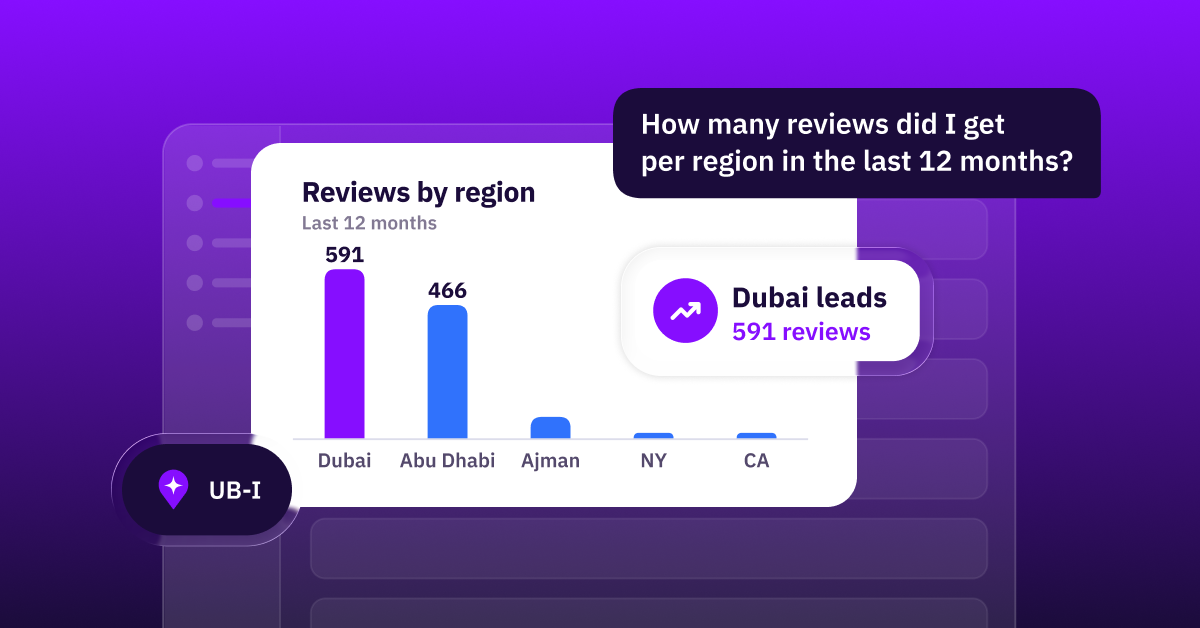
- Monitor performance with insights: Use Apple Business Connect’s Insights feature to monitor your place card activity and make data-driven decisions.
- Boost your SEO: Claiming and optimizing your Apple Business Connect place card can help improve your small business’ local search engine optimization (SEO) and visibility.
By following these tips and utilizing Apple Business Connect, you can effectively manage your online presence, attract more customers, and grow your small business.
The Future of Apple Business Connect
Apple Business Connect stands as a game-changer in the realm of business connectivity. By applying its key features, businesses can harness the full potential to stay ahead in the competitive digital landscape.
Apple continues to innovate and improve its products, and Apple Business Connect is no exception. Expect exciting updates and new features to further enhance your business communication experience.
To Uberall customers, we’ll guide you through the steps to set up your business on Business Connect and manage it via Uberall. Just reach out to your customer success team.
And if you’re not an Uberall customer (yet, that is), we’re happy to show you how the new integration works.



1,800 brands trust us to stay visible
— not just show up once or twice in local search.