Bing Listings Are Well and Truly “Back” in Your Local Search Strategy
Find out why optimizing your Bing Places listings is a simple, high-impact way for multi-location brands to boost local visibility, drive engagement, and gain a competitive edge in AI-powered search without adding extra work.


You've clicked on this article, hopefully because you're curious about why Bing is coming up again in conversations or in articles like this — or even because you've already heard about Bing's role as a data source used by AI systems to recommend local businesses.
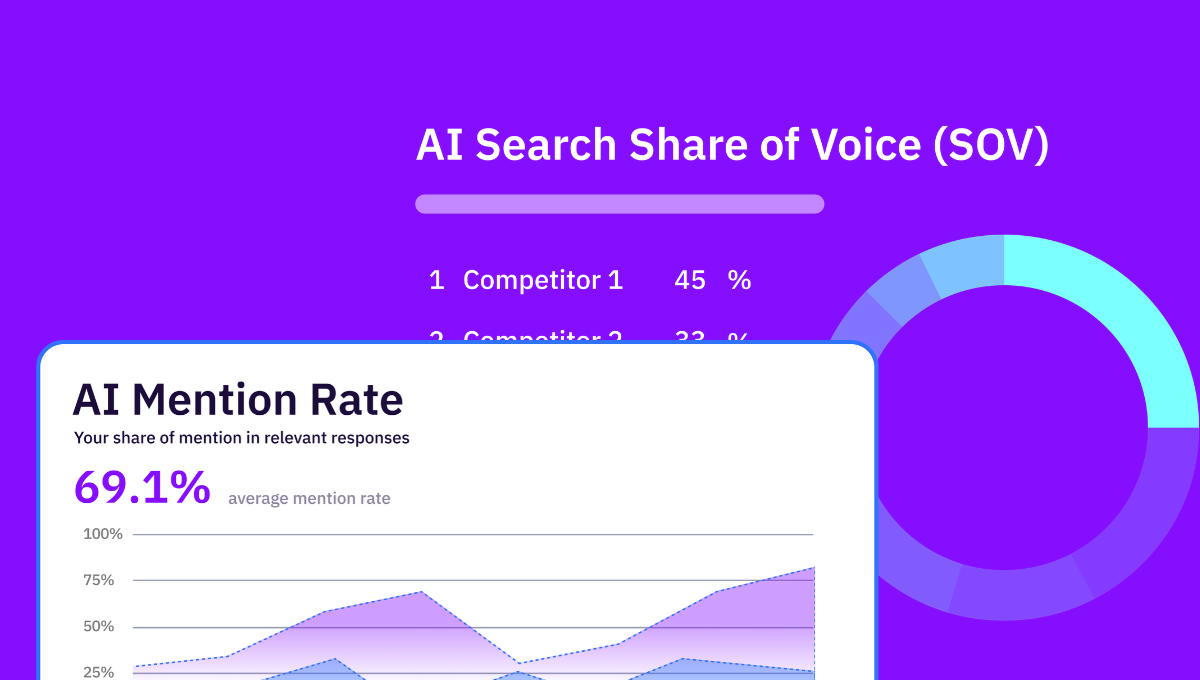
Since almost 7 in 10 brands are missing from AI recommendations and almost 9 in 10 suffer inconsistent business information across AI models, you can guess why we've seen a Bing revival in our circles.
Google has influenced our online behavior and vocabulary in a way Bing never has. We've never made "Bing" into a verb that's used and recognized worldwide. Yes, Google dominates our attention as it continues to command roughly 90% of global search traffic.
But don't write Bing Places for Business off when it comes to driving footfall to your physical locations – whether you manage a handful or thousands. With 140 million daily users, 3 million listed businesses, and presence in 190+ countries, Bing accounts for 4–5% of daily searches worldwide. These are all nonnegligible numbers when it comes to potential customers.
With this reach and its influence on local and AI search, it may be a good time to revisit your Bing strategy if you've let it go stale.
Why Bing Listings Matter for Multi-Location Brands
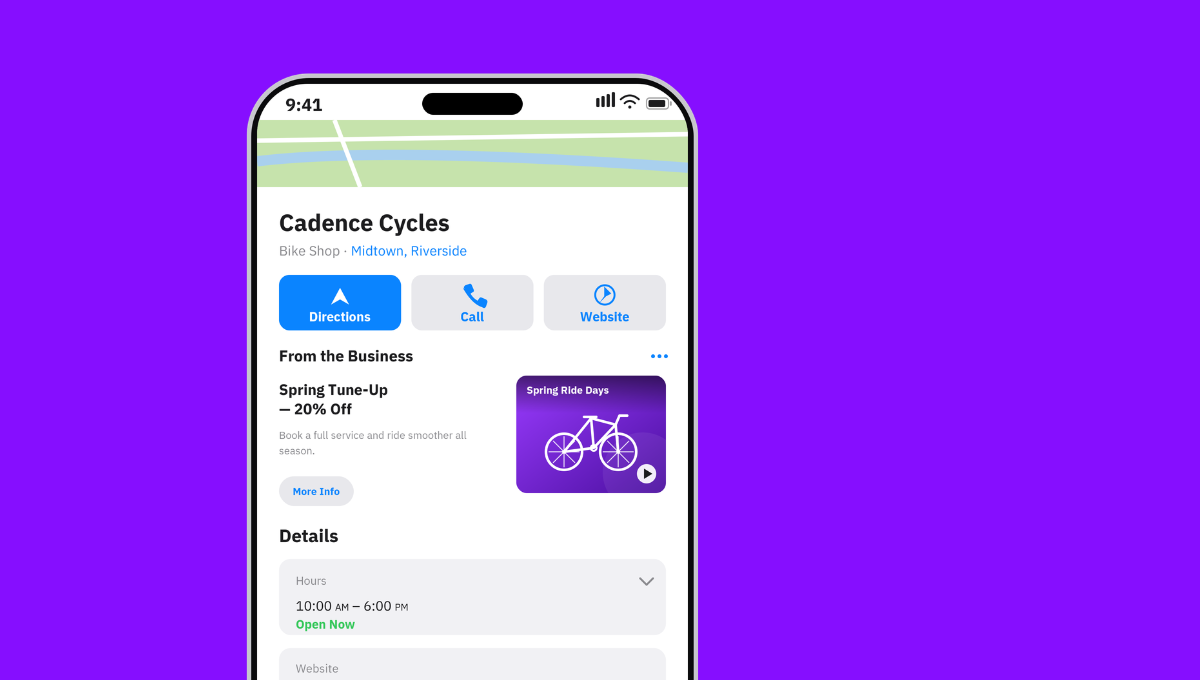
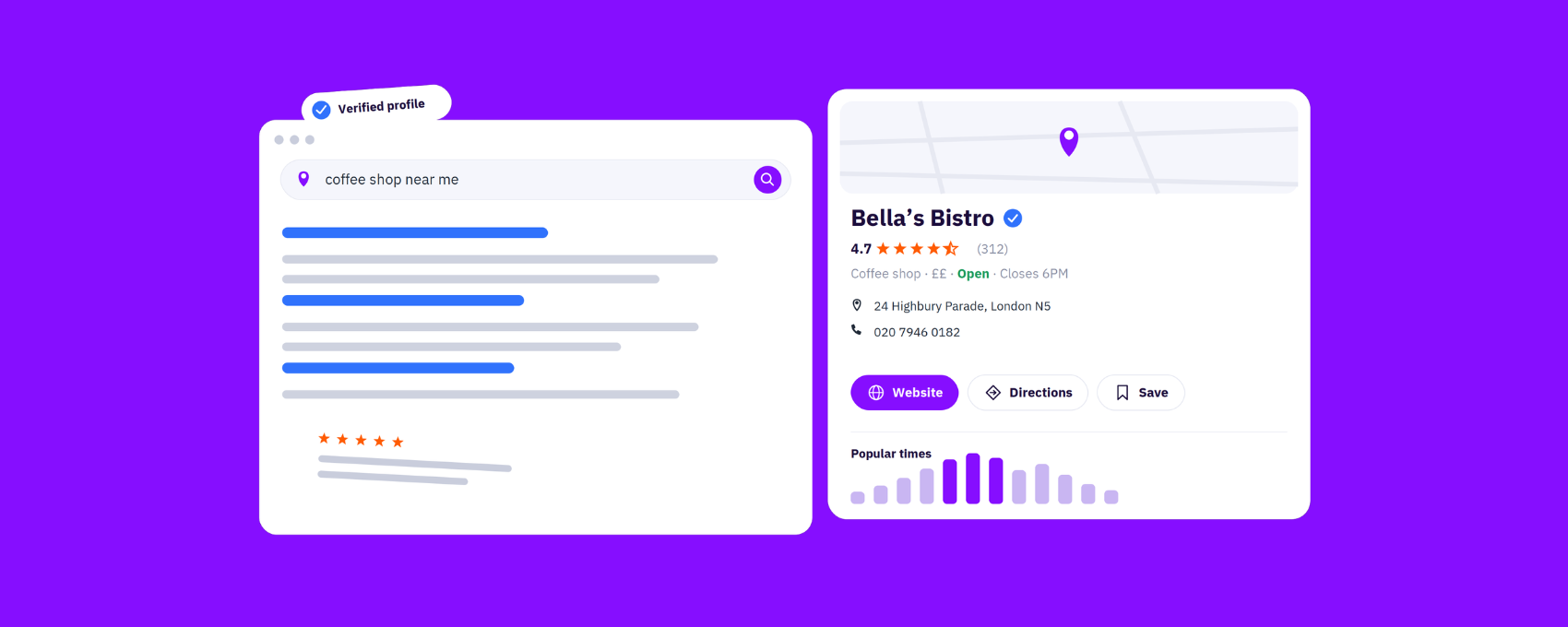
Bing Places for Business is Microsoft's equivalent of Google Business Profile. Local businesses – including those without a physical storefront – as well as businesses with multiple locations are eligible to claim free local Bing listings.
There are plenty of articles out there summarizing, step-by-step, how you set up a Bing listing. I'm not here to do that. I'm here to cut straight to why Bing matters for your multi-location business, because, as a busy marketer, that's most likely the question on your mind.
Maybe you're quietly hoping your listings strategy starts and ends with Google Business Profile. But as the data about Bing as a data source for AI systems – and as the usage stats we've already covered – show, that's not the case. We've seen Bing Places's influence as an LLM data source for local queries in our own experiments.
Coming back to the stat we mentioned earlier — that only 1 in 10 businesses have consistent information across AI systems — this is where Bing can improve your AI visibility. The more accurate and complete your business information is across Bing's ecosystem (alongside Google and other relevant platforms), the more likely tools like ChatGPT are to surface and reference your business.
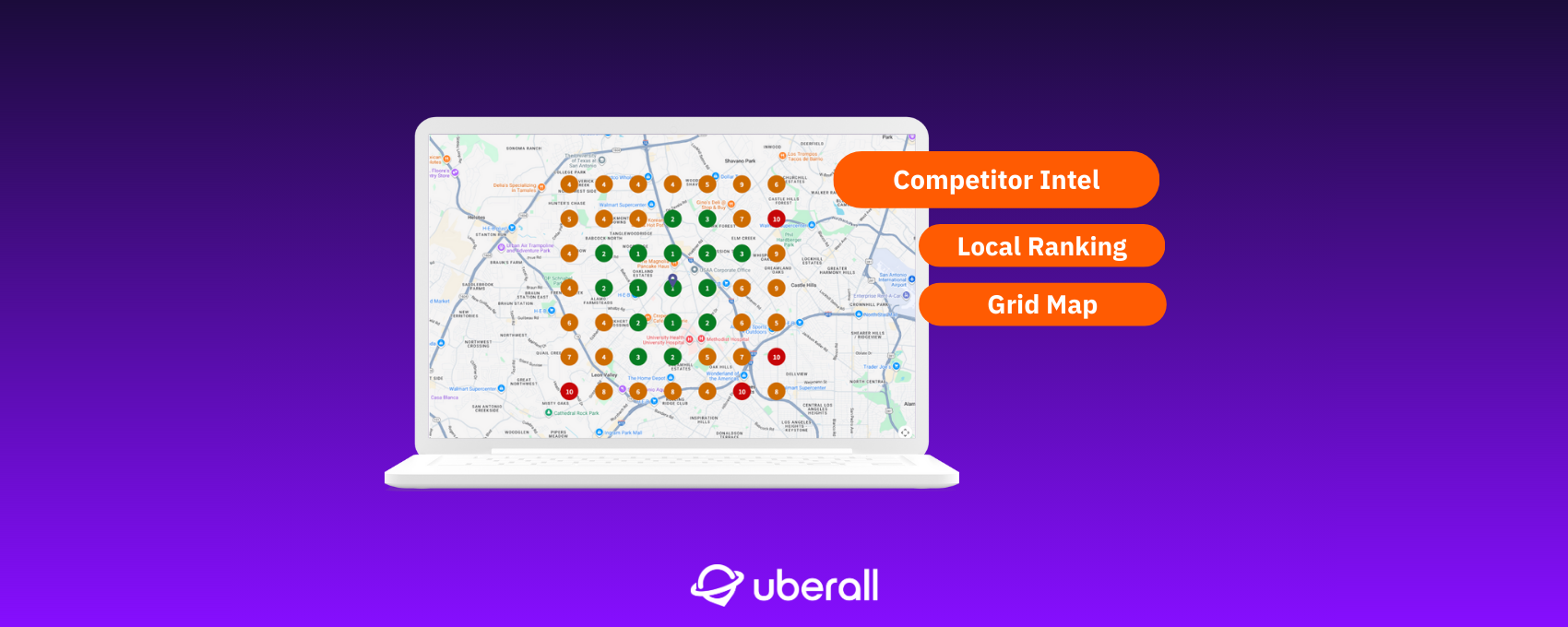
We see this as a core feature (and a competitive advantage) of Location Performance Optimization. Strong listings management directly contributes to better visibility, reputation, engagement, and conversions across your locations.
The great news is that you don't need a separate or new strategy to manage your multiple Bing business listings.
Where to Start with Bing Places for Business Optimization
If you're now convinced to optimize your local Bing listings, you should know that specialist listings management software makes it easy when you've got multiple locations and want to be visible on multiple platforms – Google, Bing, and 150+ other directories. With the right setup, you can:
- Maximize your visibility wherever consumers are searching by syncing updates across directories
- Protect and enhance your reputation by ensuring accurate business information — for customers and AI systems
- Encourage engagement with listings that aren't only correct, but compelling and competitive
- Drive action at every location for real business impact
You don't have to scale and sacrifice the quality of your local presence, and you certainly don't need to treat Bing as a separate effort with a centralized listings management strategy.
If You Aren't Yet Set Up on Bing Places for Business
If you've already built out accurate, well-maintained listings on your Google Business Profiles, you don't need to start from scratch.
And if you're a multi-location brand working with a good listings management platform, setting yourself up on Bing scales easily and efficiently. With bulk verification and centralized dashboards, you can manage dozens, or thousands, of locations from a single source of truth, with updates flowing automatically across platforms.
From there, it's about consistency and clarity.
- Your business name should be consistent and reflect real-world signage
- Your website links should point to the correct location pages
- Your NAP data must be accurate
- You should set up your hours and categories clearly
- The map pin should accurately depict where your store or business is located
Make sure you follow Bing's guidelines carefully because listings can be suspended if your information is inaccurate or misleading.
If your business isn't showing up on Bing, don't panic. It often just means Bing doesn't yet have enough verified information. Make sure your Bing Places data is complete and accurate so the Bing Local database can fully represent your business. The more accurate and widespread your business information, the better your visibility in Bing local search results.
If Your Local Bing Listings Are Already Set Up
OK, so maybe your locations are already listed on Bing. Maybe you've just slept on your Bing strategy, which is perfectly understandable given everything else on your local marketing plate.
Again, with smart listings management, you can avoid time-consuming and error-prone manual updates. Automated data cleansing tools help you manage all your listings at scale with precision — and keep your locations accurate, active, and driving traction from consumers.
Once set up, you can
- Maintain accurate NAP data
- Keep business hours up to date (and avoid Bing's default 24/7 setting)
- Add locally relevant keywords that reflect your core products and services
- Monitor and manage reviews across multiple platforms, since Bing pulls from sources like TripAdvisor, Yelp, and Facebook
- Include supporting links such as menus or social profiles
- Link to optimized location or service pages, rather than your homepage
- Upload high-quality images (at least 480×360 pixels) regularly that showcase your storefront, interiors, products or services, team, and any awards or events
- Use Bing's announcement feature (like Google Posts) to highlight promotions or news
- Implement call tracking numbers to measure phone conversions from your listings
You might find more inspiration in our guide to optimizing your Google Business Profile — many of the best practices apply, after all.
Bing Listings: Not an Extra Task But an Extra Win
Optimizing for Bing really is that low-hanging fruit that complements your Google strategy and your Location Performance Optimization. Every detail you add to your listings — anywhere for that matter — contributes to better visibility, more engagement, and real impact for each of your locations.
These Bing listings will help you reach customers who might not otherwise find you through Google and will ultimately give your multi-location brand that competitive advantage in AI search. Because let me tell you — many local businesses aren't yet fully leveraging Bing.
So, whether you're starting from scratch or already have some locations listed on Bing, smart listings management makes scaling easy. You can keep your NAP data, hours, reviews, images, and links accurate and up to date without it eating up your time. Being active on Bing doesn't need to be an extra task, but it is an extra win.


1,800 brands trust us to stay visible
— not just show up once or twice in local search.





Frequently asked questions
Bing Places for Business is Microsoft’s equivalent of a Google Business Profile, a free tool for claiming and managing your business listing on Bing search and maps. Any local business, including multi-location brands and businesses without a storefront, can claim one.
Yes, Bing Places for Business is free. Claiming your listing and adding your business name, address, phone, hours, categories, photos, and links costs nothing, just like a Google Business Profile. There’s no premium tier required to appear in Bing’s local results — the real investment is keeping every location’s information accurate and complete so Bing, and the tools that read it, can represent you correctly.
You add your business to Bing by claiming a listing in Bing Places for Business. Sign in with a Microsoft account, search for your business, and verify ownership — or, faster, import your existing details straight from your Google Business Profile. For multi-location brands, a listings platform lets you bulk-verify and publish dozens or thousands of Bing listings at once instead of one at a time.
Multi-location brands should optimize Bing listings because it’s high-impact, low-effort visibility most competitors ignore. Bing holds around 4–5% of global search (closer to 10% on desktop) with 100M+ daily active users, and it’s a data source AI tools like Copilot and ChatGPT read when recommending local businesses. Since most brands neglect Bing, accurate listings there are an easy competitive edge in local and AI search.
You optimize your Bing business listing much like a Google one: Keep NAP accurate, set real business hours (don’t leave Bing’s default 24/7), choose clear categories, and add locally relevant keywords. Then upload high-quality images (at least 480×360), link to location pages rather than your homepage, use Bing’s announcement feature for promotions, and monitor reviews. Our GBP optimization tips apply here too.
Yes, Bing matters more than ever for AI search. It’s a key data source that large language models and AI tools — including Microsoft Copilot and ChatGPT — use when recommending local businesses. With nearly 7 in 10 brands missing from AI recommendations, complete, consistent Bing listings are one way to improve your AI visibility. The more accurate your data across Bing, Google, and beyond, the more confidently AI can surface you.
Bing builds business listings from the data you provide in Bing Places plus its own local database, and it pulls reviews from third-party sources like TripAdvisor, Yelp, and Facebook. That’s why maintaining a strong, consistent presence on those platforms feeds directly into how your business appears on Bing. If your business isn’t showing up, it usually means Bing doesn’t yet have enough verified information about it.
Yes, you can manage Bing listings alongside Google and 150+ other directories from a single platform. Rather than updating each by hand, a listings management tool like Uberall syncs your NAP, hours, categories, photos, and posts across all of them from one dashboard, with updates implemented automatically. Exact update times vary by directory and change type, but centralizing keeps every platform consistent without manual effort.