“How Can I Optimize My Business Profile to Attract More Local Customers?”
Steering GBPs as a multi-location business can be a daunting task — but only if you're not aware of best (and worst) practices for this major ranking factor.

Key takeaways
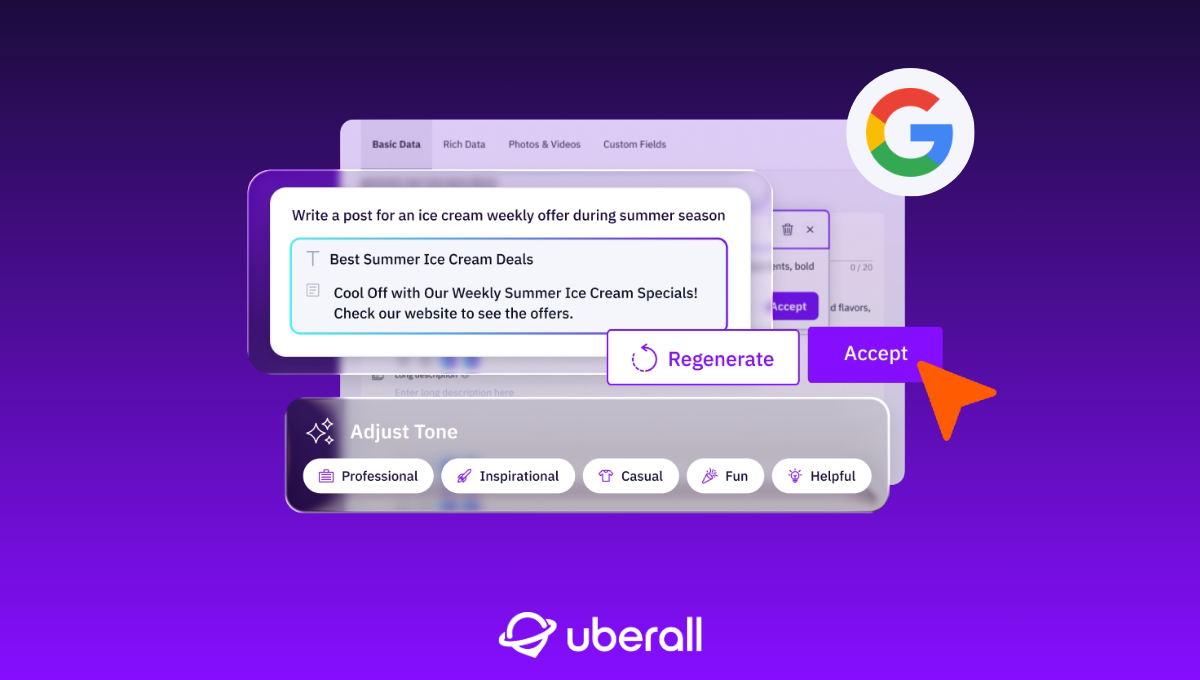
- GBP signals are a top ranking factor across Local Pack, Maps, organic search, and AI search — so incomplete or outdated profiles mean brands are invisible right when local customers are ready to buy
- Keeping info accurate, generating and responding to reviews, publishing Google Posts, and adding CTAs like booking links are quick wins across every location
- Even enterprise brands with hundreds of locations can manage these GBP updates systematically using a listings management platform

Step 1. Set up your Google Business Profile (GBP)
Step 2. Get verified
Step 3. Check GBP analytics sporadically
Maybe this sounds familiar. I’ve come to realize in my local SEO career that most businesses — whether multi-location enterprise brands, SMEs, or even single-location teams — underestimate the power of their Google Business Profiles.
They underestimate how optimized profiles keep them visible and recommendable in every search surface, whether consumers are googling or ChatGPTing.
They underestimate just how responsible optimized profiles are for driving more physical foot traffic and business to locations.
But I suppose that if a GBP’s potential were completely understood and properly leveraged, we’d have one less location marketing string to our bow (or one less solution in our portfolio).
Underoptimized Google Business Profiles leak revenue. Whitespark’s Local Search Ranking Report identifies GBP signals as a top ranking factor across various search interfaces – Local Pack and Maps, local organic search, and AI search. If a local consumer is ready to buy, searches for your service, and either can’t find you or isn’t convinced by your profile, you’re online … but not on any customer’s mind.
The good news is that you’re overestimating the work required to optimize your GBP. A lot of it is quick to implement, and when you use a top listings manager, many of these optimizations are easy to scale.
This Is How to Optimize Google Business Profiles
Local consumers vote with their feet. They choose your business over competitors the second they walk through your door. But how do they get through those doors?
Lisa Landsman, Global Business Development at Google, explains: “At Google, we see 5x more views for regularly updated Business Profiles, so we recommend not only filling out your listing but also updating it to share what makes you unique.” Our podcast, in fact, features a great episode about this very topic from Google experts.
Both search engines and AI engines recommend local businesses based on fresh, complete, and credible data. They evaluate signals like:
- Primary GBP category
- Proximity of address to the point of search (searcher–business distance)
- Keywords in GBP business title
- Business is open at time of search (business hours)
- High numerical Google ratings (e.g. 4–5)
- Additional GBP categories
- Completeness of GBP
You’ll discover a more comprehensive list in the Whitespark report.
Your GBP optimizations — the ones I’ll discuss in this article — are designed to do two things: get engines to recommend your business — and get consumers through your doors. It’s the perfect example of Location Performance Optimization, a practice which brings visibility, engagement, reputation, and conversion to the forefront of all your local marketing tasks.
We’re assuming you’ve already set up and verified your profile. We’re exclusively talking about post-setup GBP optimizations in this article.
1. Keep Your GBP Accurate and Up to Date
The “easy” first step is to ensure that all your information, including address, phone number, website URL, and business hours, is accurate and regularly updated. Inaccurate information can lead to customer frustration and damage your reputation. This is why maintaining business listings still matters.
From business hours, landing page URLs, services, appointment links, phone numbers – your business profiles must function as sources of truth for both potential customers and engines. But our data tells us that 88% of businesses suffer inconsistent business information across AI models.
Managing multiple locations makes this a lot to track, but the stakes are high if you don’t prioritize it.
If you’re asking yourself at this point for some scalability — maybe “Which services help manage business profiles effectively?” — the right listings management platform removes the manual friction of keeping multiple locations accurate, consistent, and scalable.
2. Generate and Respond to Customer Reviews
Quantity, recency, and frequency of your Google reviews are quite the signal for humans and engines.
- You’re less likely to visit a business with fewer reviews than its competitors.
- You’re less likely to visit a business whose latest review is three years old.
- You’re more likely to visit a business when positive reviews are coming in regularly.
And, of course, the ratings that accompany these reviews matter, too. We talk more about reviews as a local ranking factor in another article.
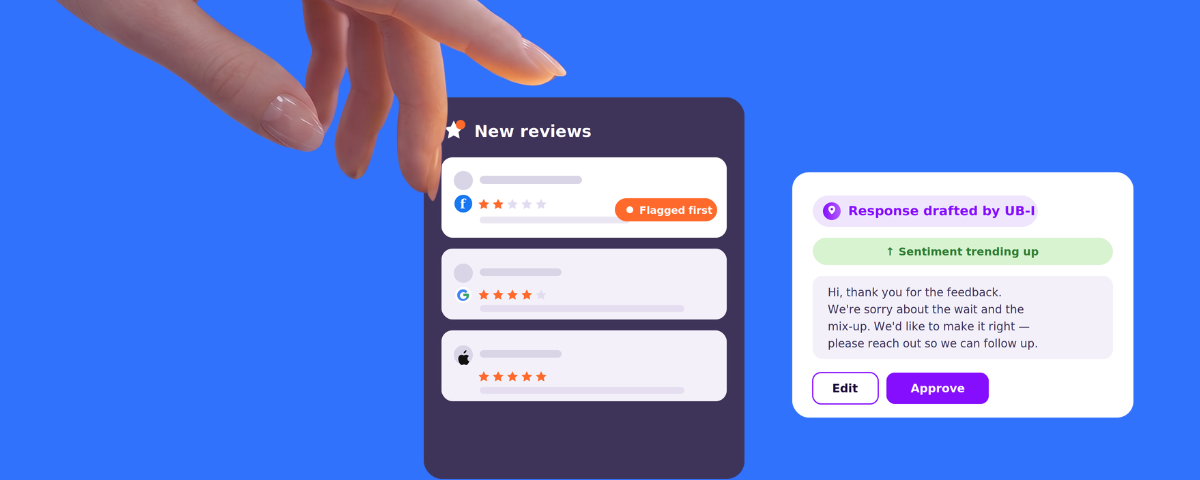
The bottom line is: Encourage happy customers to leave positive, detailed reviews and ensure you respond to them promptly. Review generation is really only part of the equation — your responses are just as crucial. Responses show that you care about your customers’ experiences and are committed to resolving any issues.
It goes without saying that you should absolutely avoid black-hat review tactics, such as soliciting fake reviews, hiding negative reviews, posting fake reviews against competitors, or engaging in aggressive or confrontational behavior when responding to negative reviews.
If detected, you may face penalties such as the removal of fake reviews, lower search rankings, or even account suspension. Instead, focus on delivering excellent products or services and encouraging genuine feedback from satisfied customers to build a positive online reputation organically.
DEBUGGING TIP: If customers can’t publish reviews, it may be because Google flagged them as spam or is still processing them. Occasionally, legitimate reviews fall through the cracks — a common issue discussed in the Google Forum.
Our Principle Solution Engineer and Google Business Profile Gold Product Expert, Ehab, suggests: “Try getting the customer to visit the Google listing, call the business or go to the website (or better yet, go directly to the business if they’re nearby), wait a minute and then post again.”
3. Publish Google Posts
Keep your profile lively by regularly publishing Google posts about new products, upcoming events, or special promotions.
Google isn’t a social media platform, but these posts engage your potential customers and improve your local search visibility. They also allow you to incorporate fresh keywords into your profile that can help your business rank for specific search terms.
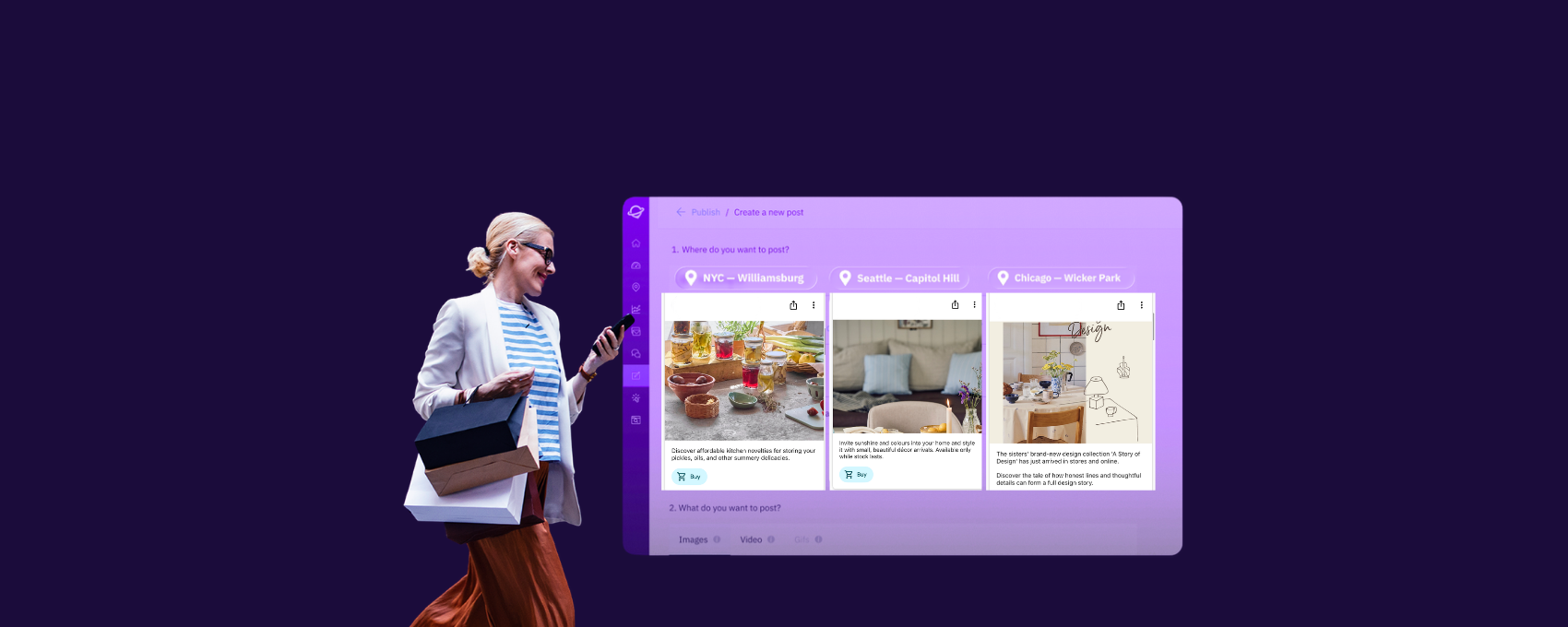
Look no further for best practices on how to post on Google as well as ways to scale hyperlocal content production for each location – for example, when promotions, offers, or news are tailored to a specific store or branch.
4. Add CTAs, Links, Menu Items
Integrate clear calls-to-actions (CTAs) and links in your profile, such as booking options, reservation buttons, appointment links, or links for ordering food delivery.
By making it easy for customers to take action directly from your GBP, you increase your conversion rates and streamline the customer journey.
For restaurant brands, the most important business attribute of all is their menu. When consumers are searching for a place to eat, they’re often searching not for a brand or a type of cuisine, but the specific food they’re craving. Restaurants also have the opportunity to add photos and names of popular dishes. This one extra step can boost visibility and appeal to potential customers.
Our VP of Solutions, Krystal Taing, explains: “Leveraging booking, reservations, and order links in your GBP is going to become a lot more important over the next year. Pay attention to them, and if you see a third party you don’t want on your profile, contact Google Support.”
5. Showcase Your Best Photos and Videos
Visual content is not just about aesthetics; it plays a pivotal role in local search optimization. By adding high-quality photos and videos of each of your locations, you help potential customers recognize your brand and understand what to expect if they visit you.
If you don’t post photos on your GBP, a Google Street View photo is generated, which may be inaccurate if your address isn’t exact. Remember: The first thing potential customers see should be your business — not a nearby car park.
How often do you need to post new photos? Update little and often. If you have 100 photos, upload (for example) 40 now and then two every week for a year. Start drip-feeding. This signals that your business is relevant and up to date.
User-generated photos are equally important because they’ll give each of your listings a local feel. Ask your store managers to post pictures of local events at your location and encourage your customers to do the same. Google rewards Local Guides with extra points if they add videos, so they are really trying to push more for videos!
Videos are especially important and give users a better insight into customer experiences. These can even appear as the second item on the carousel, which highlights just how much Google values video. We’ve also seen instances where Google has experimented displaying the user-generated video as the first item.
NOTE: Google determines the order of your rich media algorithmically.
6. Optimize for Local Search
Your target keywords and prompts may change as your business grows and consumer demands evolve.
So, when you identify new, relevant, high-impact keywords through your local marketing activities, incorporate them into your Google Business Profile — particularly in your business title and landing page title tags. This helps attract local customers actively searching for products or services like yours.
Our expert Ehab shares this tip:
Leverage optimized reviews, images, menus, and services to signal what you want to rank for — for example, “best caesar salad near me.” Using this particular example, this might look like:
- Including SEO-optimized images/video of caesar salads
- Ideally, leveraging reviews, in which customers have commented on the superiority of your caesar salad
- Uploading a menu, on which your caesar salad is listed
Combined, these elements signal your authority in a certain topic/product.
7. Integrate Your GBP
Linking your GBP with other tools helps you better understand your performance — without adding complexity.
- Google Ads: Connect your GBP to Google Ads to extend your reach and run targeted campaigns that bring more customers through the door.
- Google Analytics 4: Pairing GBP with GA4 gives you insights into how people interact with your business online, helping you track performance and make smarter marketing decisions.
- Google Merchant Center: Showcase your products directly in Google Search results and drive traffic to your website or store.
You don’t have to stop at Google tools. Linking your GBP to social media accounts lets you cross-promote content and engage your audience across platforms. Connecting it to email marketing platforms turns your GBP into a touchpoint for capturing leads and nurturing relationships.
And for a real productivity boost, integrate your GBP with CRM software. This makes it easier to track customer interactions, streamline communication, and gather insights to run personalized campaigns.
When your Google Business Profile works with these tools, it becomes more than a listing — it’s how you measure your visibility, engagement, and revenue.
The GBP Optimization Cherries on Top
When you’re feeling confident with those Google Business Profile optimizations, whether you implemented them with a listings management platform or manually, you can move onto these bonus tips.
1. Check Your Knowledge Panel or Location Spoofer
A tip from our expert, Ehab, again: “Use this online Knowledge Panel API Explorer to find out what Google is sharing about your business. You'll see which entities the real-time knowledge panel contains that are related to your business (news, events, products, people, etc.), and you’ll be able to see where you can make further optimizations.”
“You can also use a SERP checker, such as valentin.app to emulate a specific location and monitor how your brand appears on the SERP.”
These quick “audits” will give you ideas on how you appear to your potential customers from their locations and whether you need to optimize further.
2. Avoid Triggering Suspensions
OK, maybe this one is less of a GBP optimization and more of a warning.
Trust is important — you should avoid the following on your Google Business Profile:
- call-center phone numbers
- purchased reviews
- spammy owners
- keyword stuffing
- ultra-edited photos
- conflicting website info
- spam posts
- fake or virtual offices
- misrepresented business offerings
- irrelevant categories
- duplicate profiles for the same location (e.g. to target different customer segments)
- sharing sensitive or personal information
These are known as black-hat tactics, which can ultimately harm your visibility and credibility (even if you see initial short-term gains). You can find out more here from Google’s guidelines on representing your business. Don’t confuse customers; don’t abuse your GBP.
3. Spot Fake Competitors
Audit your local area for keyword-stuffed, old, or fake profiles. Report them to Google. It makes your life easier when you’re trying to suss out who your real local competitors are.
4. Translate Your Bilingual Business Name
If you’re in a territory where multiple languages are spoken (for example, Switzerland), ensure you’re filling out the business name fields with the multilingual variations. You’ll only be able to do this on Google Maps, not Google Business Profile!
5. Monitor Google’s Edits
Google can update your business info without warning — download the Google Export to see what’s required. You can find more information about this on Google’s support pages.
6. Switch Off Automated Calls from Google
Sometimes Google tries to call you to see if you’re around and the info you’ve got on your profile is correct. If you’re a business that is not answering calls during peak hours when you’re busy (such as a packed restaurant!), Google might take this to mean you’re closed. Google might also change your opening hours on your behalf, so make sure you switch off automated calls, if you think it’s necessary.
7. Find the Sweet Spot with Emojis
Darren Shaw shared this tip pretty recently on LinkedIn, and I have to share it with you. Use emojis in
- Custom services titles: This might make your service stand out more when someone searches
- Google Posts: This makes them more engaging and captivating
- Business description: Highlight key services, values, or promotions
NOTE: Do not put an emoji in your business name, since it goes against Google’s guidelines. Make sure you use the right amount of emojis (as per Goldilocks) to ensure you still look professional and credible.
And That’s How You Optimize Your GBP
Optimizing your Google Business Profile isn’t just about driving conversions — it’s about positively influencing every aspect of Location Performance Optimization.
Each update, from detailed descriptions to rich media and customer reviews, improves the user experience, engages customers, and signals to Google and AI systems that your business is relevant and trustworthy. And with a structured approach, your GBP becomes more than a listing — it’s a hub that drives discovery, engagement, and growth for every location.
With the right focus and listings management tools, these GBP optimizations are not only crucial, they’re achievable, even at scale. Enterprise brands and franchises can manage updates across dozens or hundreds of profiles efficiently and systematically, without adding operational chaos and overwhelm.


1,800 brands trust us to stay visible
— not just show up once or twice in local search.


Frequently asked questions
Google Business Profile optimization is the process of completing, refining, and regularly updating every element of your business profile on Google — from categories and business hours to photos, reviews, and posts — so that search engines and AI systems can confidently recommend your business. According to Whitespark’s Local Search Ranking Factors report, GBP signals account for 32% of Local Pack ranking weight, making them the single largest controllable factor in local search visibility. A well-optimized profile doesn’t just improve rankings — it turns searchers into customers by putting the right information in front of them at the right time.
Your primary GBP category is the single highest-weighted individual ranking factor within Google Business Profile signals. It tells Google what your business fundamentally is and determines which searches you’re eligible to appear for. Choosing a vague or overly broad category means competing for the wrong queries, while an accurate, specific one improves your relevance for the searches that actually drive foot traffic. If your business spans multiple services, add secondary categories — but get the primary one right first, because it carries the most weight.
You should update your Google Business Profile continuously — not as a one-time setup task. Google’s own documentation states that businesses with complete and accurate information are more likely to appear in local search results, and Lisa Landsman of Google has noted that regularly updated profiles receive five times more views. For photos specifically, a drip-feed approach works best, so rather than uploading everything at once, add a few images each week to signal that your business is active and relevant. The same principle applies to posts, hours, and services.
Yes, GBP signals as a top ranking factor not just for the Local Pack and Maps, but also for AI search interfaces. AI models and features like Google’s AI Overviews pull from the same structured business data that populates your GBP — categories, attributes, reviews, and consistent NAP information. If that data is incomplete or inconsistent, AI systems are less likely to surface your business as a recommendation. Optimizing your GBP is one of the most direct ways to stay visible across both traditional and AI search.
The most common mistakes that trigger GBP suspensions include keyword-stuffing your business name, purchasing or soliciting fake reviews, using virtual or fake office addresses, and creating duplicate profiles for the same location. Google’s guidelines on representing your business also prohibit call-center phone numbers, ultra-edited photos, spam posts, and misrepresenting what your business offers. Even if some of these tactics produce short-term visibility gains, Google penalizes them with review removal, lower rankings, or full account suspension.
A listings management platform is the most practical tool for multi-location GBP management. The right platform lets you update business information, publish Google Posts, manage reviews, and monitor data accuracy across dozens or hundreds of locations from one dashboard — eliminating the manual friction of logging into each profile individually. When evaluating tools, look for centralized data management, review response workflows, cross-directory publishing, and analytics that track how profile updates translate into visibility and foot traffic.
Yes, you should optimize your business profiles across other directories, too. Google isn’t the only platform consumers and AI engines check: Apple Maps, Bing Places, Yelp, and industry-specific directories all feed into how your business is discovered. Consistent, accurate listings across all of them reinforce your credibility with both search engines and AI systems. Explore a list of possible directories.
Photos and videos play a significant role in both engagement and local search visibility. Google’s own guidelines encourage businesses to upload high-quality, original images of their locations, products, and teams. A drip-feed strategy — uploading a few photos each week rather than all at once — signals ongoing activity to Google’s algorithm as well as AI systems. Videos are especially valuable: They can appear as the second item on Google’s media carousel, and Google rewards Local Guides with extra points for uploading them. User-generated photos and videos also add a local feel to each listing.