You Launched New EV Charging Stations This Summer — How Do You Know What Google Maps Is Actually Showing Drivers?
EV charging stations on Google Maps are fed by two separate data sources. Most CPOs don’t know which controls what — and the wrong setup delays station creation by weeks.

Key takeaways
- Claim and verify your Google Business Profile (GBP) for every station before going live, because GBP is now the source of truth for your name, address, coordinates, and hours on Google Maps
- Make sure you're sending consistent data to Google from multiple sources — if they're not, consolidate your feeds to go via Eco-Movement
- Treat reviews and photos as ranking signals — Google's in-car EV routing and AI-generated directions both surface stations based on user-submitted content your team can influence
Nobody wants another platform or another data flow to manage. For me, the opportunity is really about connecting what's already there. If we can work with aggregators and/or CPMS partners to take the data CPOs already have, enrich it, and make sure it reaches the places drivers are actually searching, we can improve visibility without adding more complexity."

You're a CPO with hundreds of charging stations across central Europe. Your ops team launched 50 new stations this summer. The hardware is installed, the OCPI connection is live, and drivers are already plugging in.
But 6 weeks later, half of those stations still don't appear on Google Maps. Drivers searching "EV charging near me" drive past your stations because Google doesn't know they exist yet.
And the stations that are on Google Maps have issues, too. Location pins are misplaced, data is inconsistent across platforms, and nobody on the team knows what Google is actually showing drivers. Other profile elements are changing without your approval.
It's one of the reasons so many drivers and CPOs have relied on alternative EV listing apps to Google Maps. But it's hard to ignore Google now that its technology is built into in-car navigation in vehicles from Volvo, Polestar, and Ford, and AI-generated directions are pulling from review content to guide drivers to chargers.
We'll break down how to get EV charging stations appearing on Google Maps with the right data, in the right fields, controlled by the right source — without creating duplicates or losing control of what Google shows drivers.
Which Data Source Controls Which Fields on Your Google Maps Listing?
Fixing incorrect EV charger listings that your team controls is going to maximize the visibility and reputation of your chargers — which will have a crucial trickle-down effect on utilization — and revenue.
One of the most common things we see from CPOs before they start working with us is that their location pins are scattered across the map, station data is inconsistent across platforms, listings are unclaimed or auto-generated, and nobody on the team has a clear picture of what Google is showing drivers in real time.
The solution to this is correcting the data flow so that station information reaches Google correctly and efficiently in the first place.
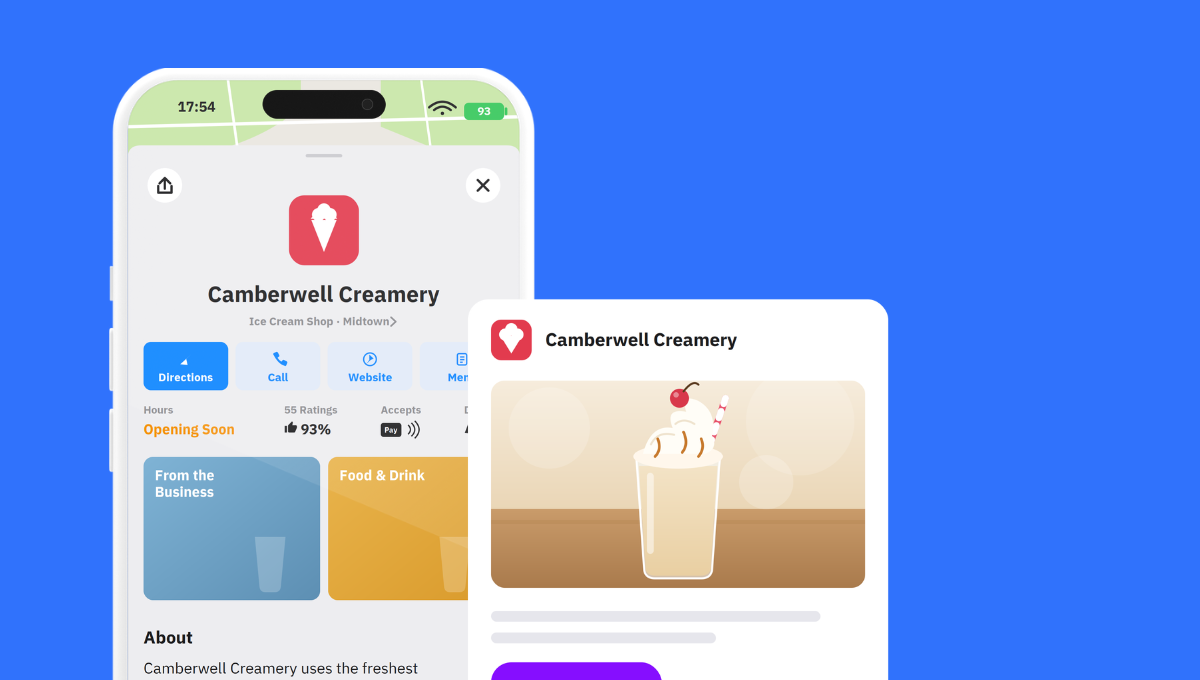
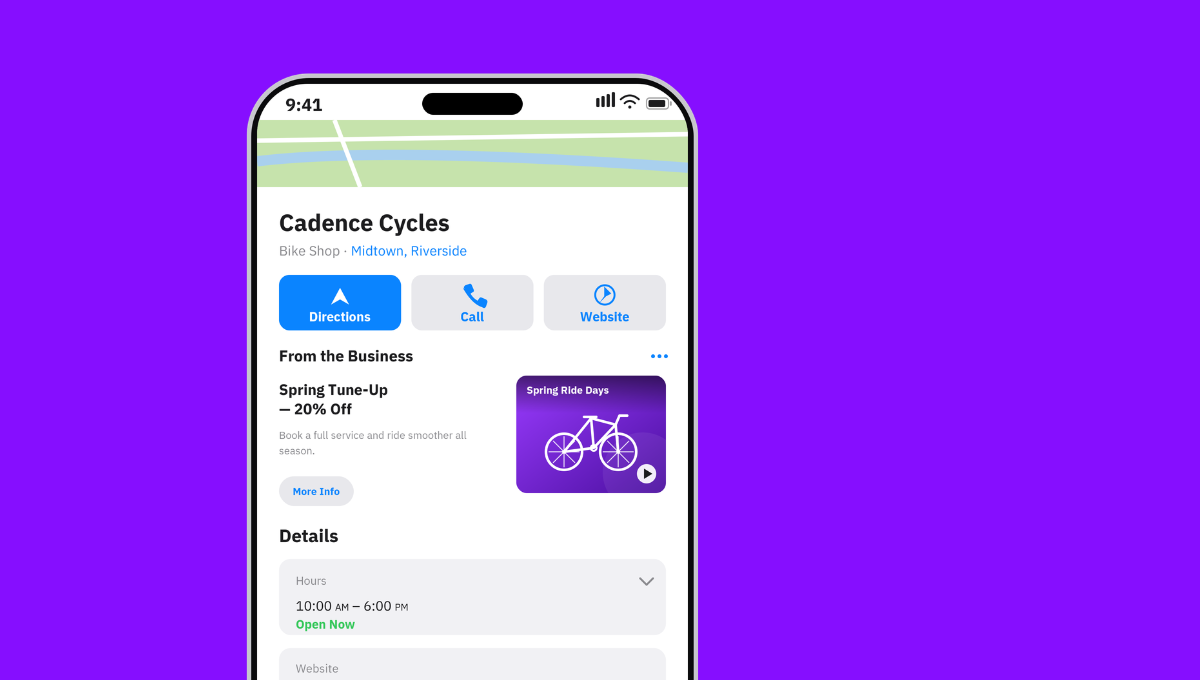
Every other type of business on Google Maps runs on one data source: Your Google Business Profile (GBP). You claim it, verify it, fill in your hours and photos, and what you set is what Google shows.
EV charging stations run on two data sources.
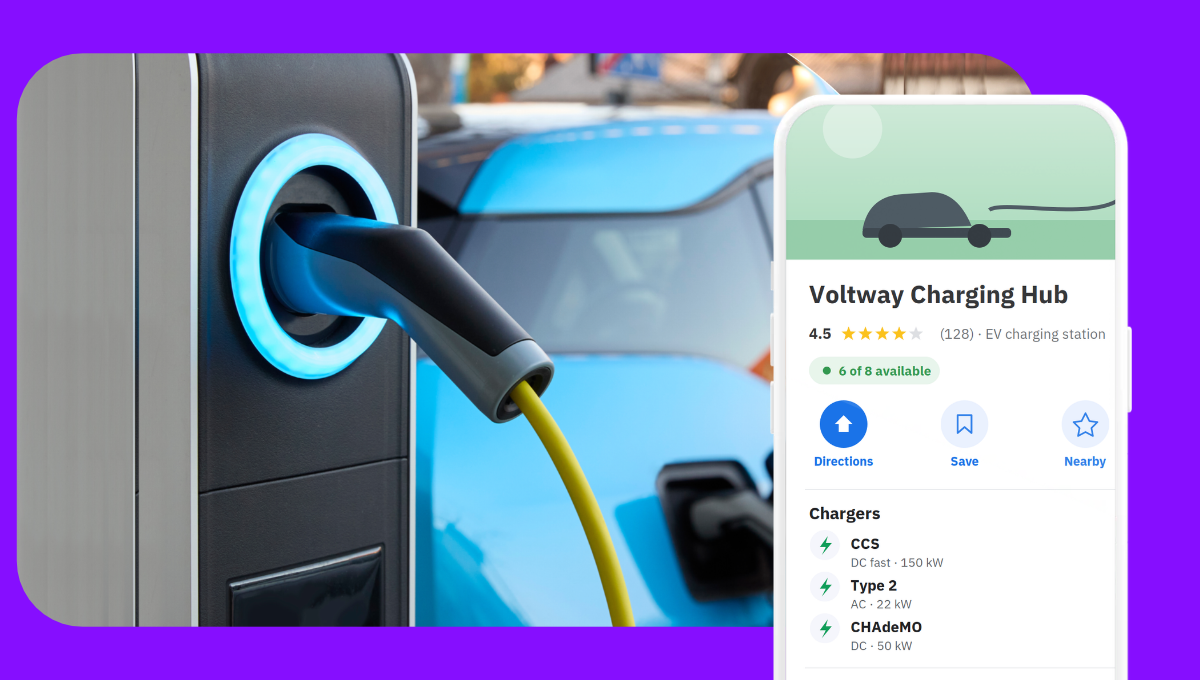
The first is your GBP, the same profile every business uses. GBP is now the source of truth for your core business fields on Google Maps:
- Business name
- Address and GPS coordinates
- Hours of operation
- Phone number
- Website URL
We’ve worked with a European CPO managing around 600 charging stations. Most of their stations had auto-generated listings on Google that nobody on their team controlled — the data came from aggregator feeds and user edits, not from verified profiles. After switching to automated claiming and centralized data management through a single API, mobile Google Maps impressions increased by 116%, website clicks by 54%, and navigation requests by 8%.
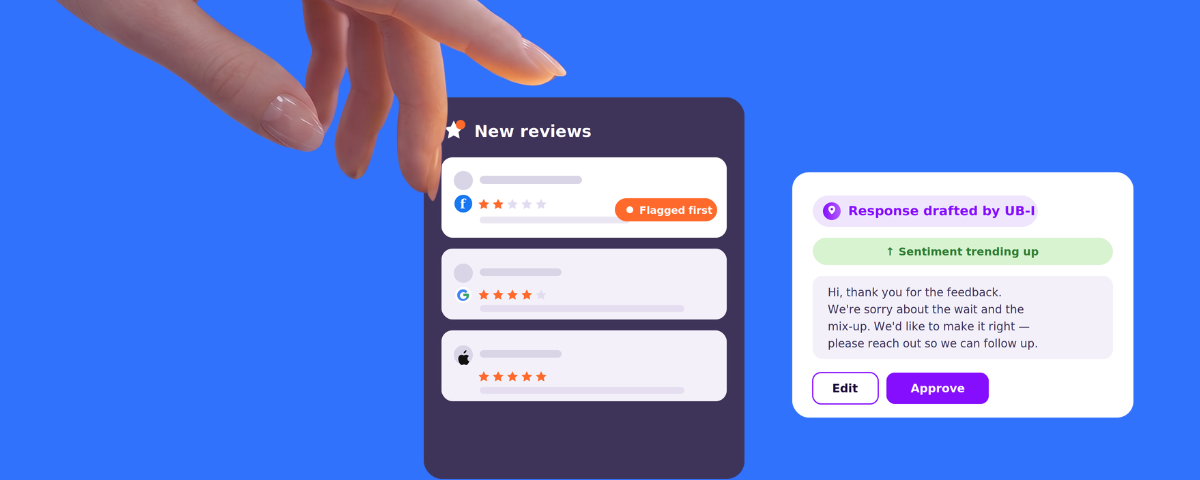
Claiming these listings also gave them control over those charger reviews for the first time, and once each station had its own claimed profile, reviews attached to the right charger, and the team could actually respond to them — and customers could actually trust them.
The second data source is your charger-specific feed, sent to Google via the OCPI protocol (Open Charge Point Interface) — the industry standard for EV charging data exchange. This is how the following charger-specific data reaches Google Maps:
- Connector types (CCS, CHAdeMO, Type 2)
- Power output per connector
- Real-time port availability
- Payment methods
- Pricing
Most CPOs don’t send this data to Google themselves. They send it to a data aggregator like Eco-Movement via OCPI, and Eco-Movement sends it to Google (and to Apple Maps, Waze, in-car navigation, and dozens of EV apps). Dynamic data like port availability reaches Google almost instantaneously through this route.
But two sources occasionally send conflicting information about the same station.
We've seen a CPO with hundreds of stations pushing data to Google via GELFS and through Eco-Movement at the same time. Google received the same stations from two sources with slightly different connector names and rounded power ratings. This meant that existing stations kept switching between these two values — and at the same time, new stations took over a month to appear on Google Maps.
Our recommendation when we see parallel feeds is to pick one, and route it through your aggregator. Your aggregator is already an accepted upstream source for Google’s EV layer, and the same OCPI feed reaches Apple Maps, in-car navigation, and the EV app ecosystem. A direct OCPI connection to Google adds a second contract without removing the first.
Google’s In-Car EV Routing Picks Stations Differently Than Google Maps on Your Phone
The version of Google that runs natively in vehicles from Volvo, Polestar, Ford, and others — Android Automotive OS — has its own EV routing that factors in the car's battery level and suggests charging stops along a route.
Most CPOs we talk to assume this pulls from the same database as Google Maps on a phone. But the in-car experience is different:
- The in-car system suggests stations based on battery level and route, not just proximity — so a station 200 meters off the highway that's easy to access can outrank one that's closer but harder to reach.
- It surfaces ratings, photos, and review content to help the driver choose between options.
- Google is now using AI-generated summaries of reviews to describe where to find chargers inside complex locations like parking garages — "Enter the underground parking lot and follow the signs toward the exit. Just before exiting, turn right."
All of that user-submitted content — reviews, photos, and the detail in those reviews — is content your team can actively influence and optimize for.
Your Aggregator Already Sends Data to Google; What Does a Direct OCPI Agreement Add?
Google has started approaching CPOs directly to propose a direct OCPI connection — station data flowing straight from their backend to Google, bypassing aggregators. But for most CPOs, their charger data is already reaching Google through their aggregator. The question is whether adding a direct connection simplifies things or just creates a second data flow to manage.
Raphael Polt, our Partnerships & Ecosystem Lead at Uberall works with CPOs and partners across the EV space and explains:
{{quote}}
What does this OCPI connection give you on Google Maps that your existing aggregator doesn't already provide? If your data already reaches Google through your aggregator, the direct connection re-licenses data that's already active.
There are three things we ask CPOs to evaluate before signing:
- Auto-created entries vs. owned profiles. Google's direct feed can autocreate place entries that sit alongside the verified GBP listings you manage. If both exist for the same station, reviews can split across the two — and you don't control the auto-created one.
- A second data feed with no clear priority. If your direct feed and your aggregator send slightly different data for the same station, Google will pick one, and you won't know which until a driver reports wrong information.
- Coverage scope. Your aggregator feed already reaches Apple Maps, Waze, in-car navigation, and the EV app ecosystem. A direct agreement with Google covers Google. It doesn't replace your aggregator — it adds a contract alongside that aggregator.
Get Your EV Stations Found, Not Just Plugged In
Operating the charging network is only one part of the customer journey — drivers still need to find and trust those locations wherever they search.
We've been working with clients who either have unclaimed dummy listings from a messy expansion — or Google Maps doesn't show them or shows drivers the wrong information.
By combining a centralized listings platform with their existing data aggregator and CPMS provider, CPOs can keep their operational charging data reliable. All while making sure it’s enriched, distributed, and consistently represented at scale across Google, Apple Maps, navigation platforms, and emerging AI search.
After helping them claim every listing so they own them in the first place, we make sure the CPOs we're working with are only sending data from one source, not two. We get the GBP and charger data layers right and consistent so stations do appear — not only on Google Maps, but also on Apple Maps, and in-car navigation — with the right data, without duplicates.


1,800 brands trust us to stay visible
— not just show up once or twice in local search.




Frequently asked questions
You add your EV charging stations to Google Maps through two channels. First, claim and verify a Google Business Profile for each station — this controls your name, address, coordinates, and hours. Second, send charger-specific data (connector types, power output, real-time availability) via the OCPI protocol, either directly or through a data aggregator like Eco-Movement. Stations without real-time data can still appear via GBP alone. A listings management platform can scale this across multiple locations.
Google Business Profile controls your station’s core business fields on Google Maps: name, address, GPS coordinates, hours, phone number, and website. OCPI (Open Charge Point Interface) delivers charger-specific data — connector types, power output, real-time port availability, payment methods, and pricing — typically via a data aggregator. Problems appear when these two sources send conflicting information about the same station.
New EV charging stations often fail to appear on Google Maps because of data conflicts between two feeds reaching Google simultaneously. If your OCPI data goes to Google both directly and through an aggregator like Eco-Movement, Google receives the same stations from two sources with slightly different values. This can delay station creation. The fix is consolidating to a single data route through your aggregator.
Google’s in-car EV routing on Android Automotive OS (built into Volvo, Polestar, and Ford vehicles) suggests charging stops based on the car’s battery level and route, not just proximity. A station 200 meters off the highway that’s easy to access can outrank a closer one. The system also uses ratings, photos, and review content — including AI-generated summaries of reviews that describe how to find chargers inside complex locations.
Reviews directly affect how EV charging stations rank on Google Maps, especially in the in-car EV routing experience. Google’s AI reads review content and generates directions from it — for example, describing how to find a charger inside a parking garage. A station with detailed reviews about location, connectors, and wait times gives Google more to work with than one with vague reviews. Managing reviews is a visibility strategy, not just reputation.